ABOUT
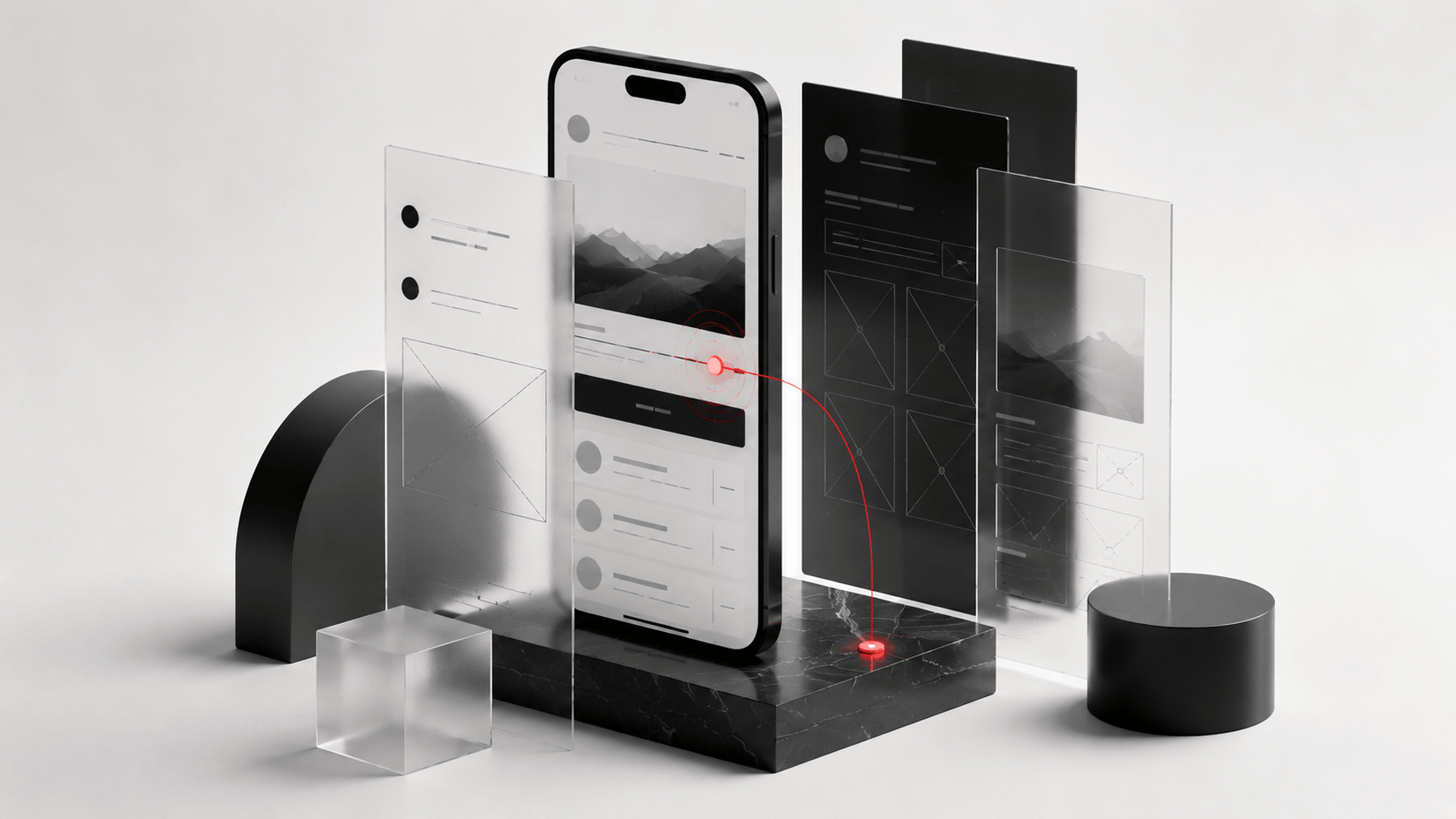
People leave when digital journeys feel confusing. Slow paths, unclear buttons, weak navigation, poor mobile journeys, and messy page flow all cost attention.
So the real question is not: does your website look polished?
It is: can users actually move through it easily?
UX design is about how people interact with your website, app, or platform.
It looks at what users see first, how they move through pages, what they understand, where they hesitate, what they click, and where they drop off.
Good user experience improves usability, navigation, clarity, page structure, mobile journeys, and conversion paths.
Even a great-looking website can fail if the experience is poor.
We look at user needs, behaviour, intent, device patterns, and decision points so the experience is shaped around real movement, not internal assumptions.

Journey mapping shows how visitors move from entry point to action, where friction appears, and what each step needs to help users continue.
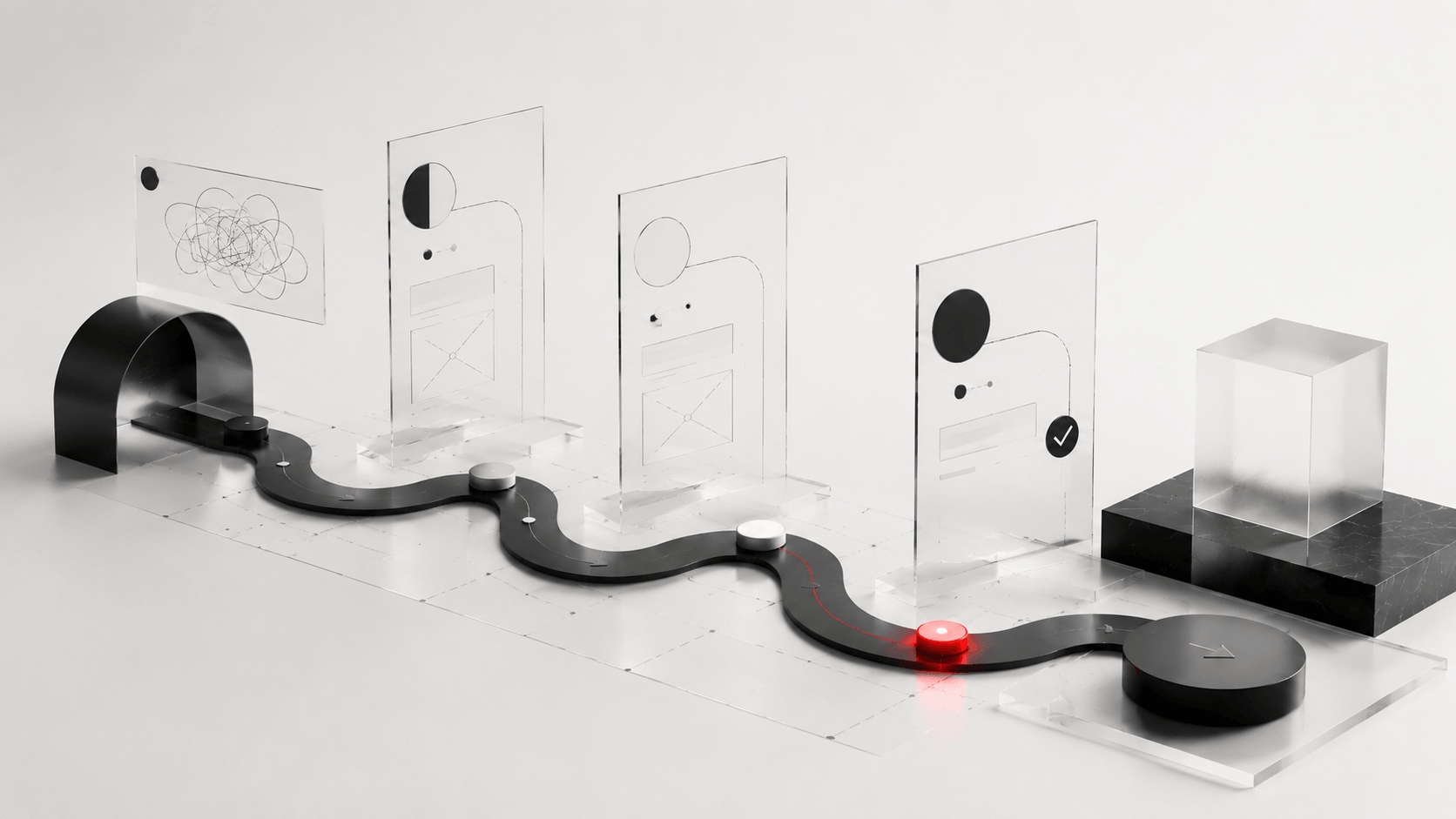
Navigation, page grouping, labels, and content hierarchy should help users find what they need quickly without guessing where to go.
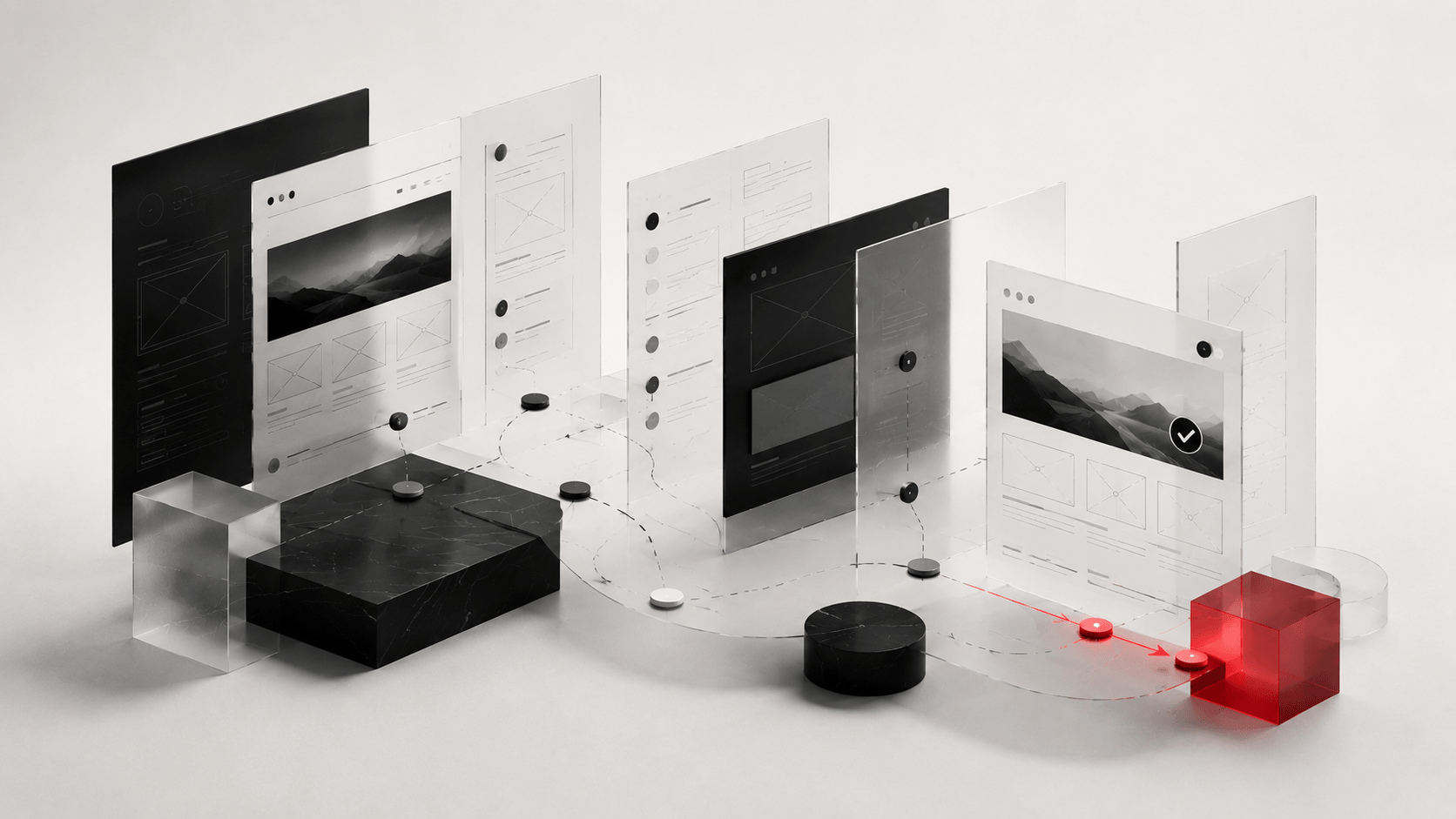
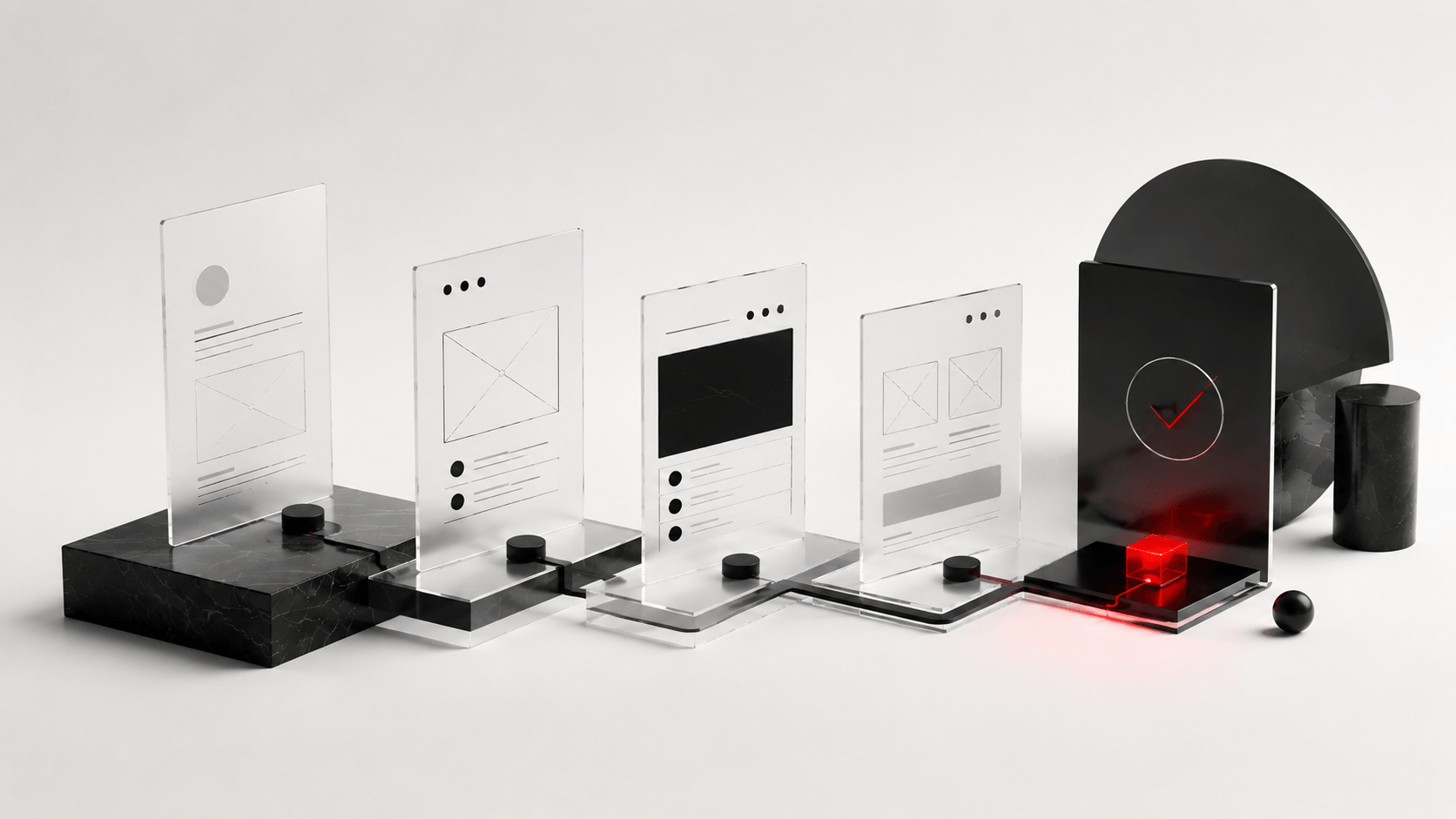
Wireframes shape layout, hierarchy, content flow, CTA placement, and usability before visual design begins. Good structure makes good design easier.
Prototypes help teams review key flows, interactions, and page logic before committing to development, reducing costly corrections later.
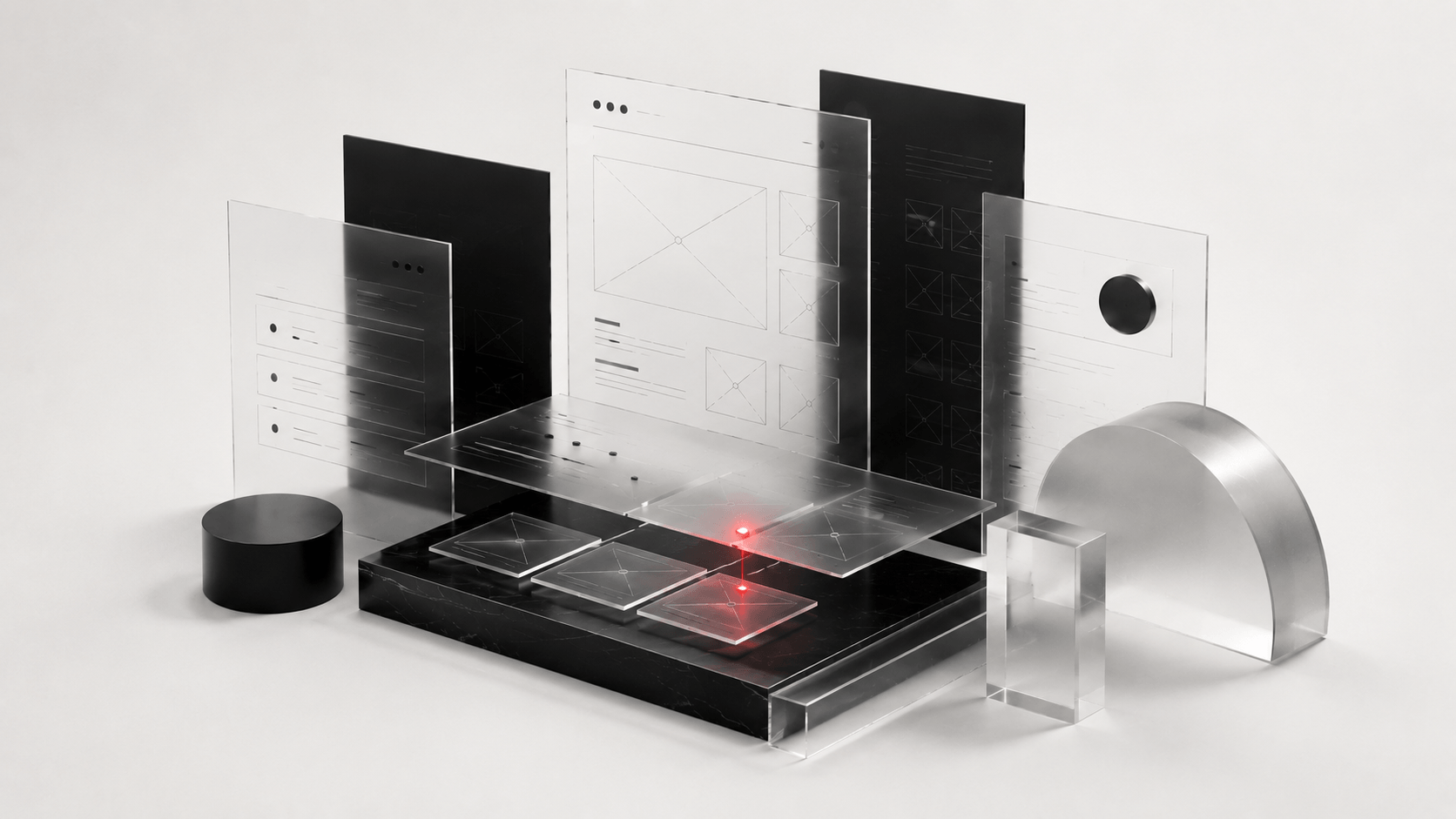
Testing reveals confusing labels, unclear steps, hidden CTAs, weak content, or mobile issues that internal teams may miss.
A design system helps pages, components, buttons, forms, and patterns stay consistent so users do not have to relearn the experience.
Remove the small roadblocks that make users pause, leave, or restart.
Help users finish forms, bookings, purchases, downloads, and enquiries with less effort.
Make page paths, navigation, and actions easier to understand.
Help users understand the value and keep moving through the experience.
Make digital journeys feel simpler, smoother, and more useful.
Good UX is not based only on opinions. It uses behaviour, structure, testing, and clarity to improve what users actually experience.
What We Look At
Review current journeys, usability issues, navigation, mobile flow, forms, and conversion blockers.
Study users, behaviour patterns, friction points, competitors, and task priorities.
Define the improved journey, structure, flows, page priorities, and interaction logic.
Create wireframes or prototypes that show how the experience should work.
Use feedback, behaviour, and performance signals to refine the journey.
Different audiences behave differently across regions, devices, platforms, and buying journeys. UX should adapt to how people actually move, not how the business hopes they move.
Maybe the navigation is confusing.
Maybe the page has too many distractions.
Maybe the CTA is unclear.
Maybe the mobile journey is frustrating.
Maybe the form asks too much too soon.
Better to find the friction before another user leaves.
Old website fixes were simple.
Make it look cleaner.
Change the colours.
Move a button.
Hope conversions improve.
Modern UX design needs user behaviour, journey mapping, usability testing, CRO thinking, and clear page structure.
Because people do not convert just because a website looks good. They convert when the experience makes sense.
UX design, or user experience design, improves how users interact with a website, app, or digital platform. It focuses on usability, navigation, clarity, journeys, and ease of action.
UI focuses on how the interface looks. UX focuses on how the experience works, including user flow, usability, structure, friction, and conversion paths.
Good UX makes it easier for users to understand the offer, move through the website, complete actions, and trust the brand. Poor UX can increase bounce rates and reduce enquiries, sales, or form submissions.
Yes. RHAD provides UX audits to identify usability issues, navigation problems, mobile experience gaps, page flow issues, and conversion blockers.
Yes. UX improvements can be applied through audits, journey mapping, wireframes, usability testing, CRO updates, and page-level improvements.
Yes. Wireframes, prototypes, and usability testing can help validate the journey before development, reducing rework and improving clarity.
No guesswork redesigns. No pretty pages that confuse users. No fixing symptoms without finding the friction.
Just clearer journeys, better usability, and stronger conversion paths.